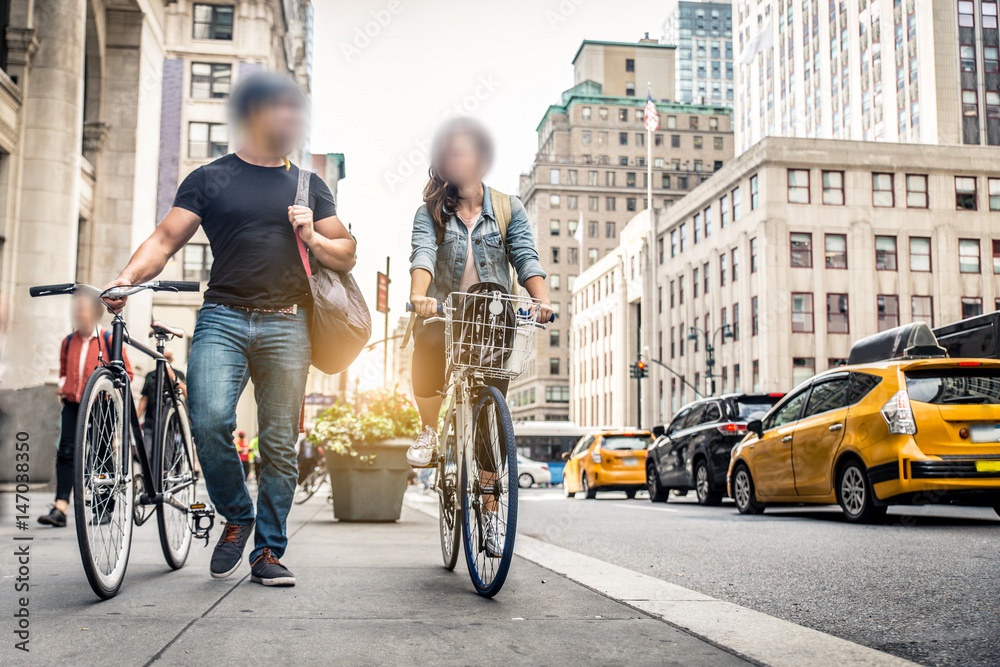
Blurring faces and license plates frame by frame is the kind of task that seems manageable on a single short clip — until you have a hundred clips, or footage with dozens of people moving across the frame. AI-based automatic detection solves this by scanning the entire file, identifying every face and plate, and applying redaction without manual selection. This is what Blurit.io Studio does, and this guide explains how it works and when to use it.
Why Automatic Detection Matters
Manual blurring requires someone to draw a mask over each sensitive element, frame by frame, for every second of video. A one-minute clip at 30 frames per second means potentially 1,800 individual frames to check — before accounting for movement, multiple people, or low visibility conditions. The moment footage volume increases, this stops being a viable workflow.
AI-based detection changes the equation entirely: it tracks faces and license plates automatically through a full video timeline, flags every detection for review, and lets a human override or refine the result rather than do all the work from scratch.
What Blurit.io’s AI Detects
Faces. Blurit.io’s AI identifies faces in images and video, including partially visible ones, faces in motion, and faces at a distance — covering the cases where manual masking is most likely to miss something. See Face Anonymization
License plates. The same detection engine identifies license plates independently of the face detection, with the option to blur both simultaneously or separately. See Plate Anonymization
Both detections can be applied in the same processing run, across both images and video, without treating them as separate workflows.
How Automatic Blurring Works in Blurit.io Studio
- Upload your file to Blurit.io Studio — image or video, single file or a batch via zip.
- Select what to detect — faces, license plates, or both.
- Let the AI run. Detection processes automatically across the full file, tracking elements through the video timeline.
- Review detections. Every flagged element is highlighted in the editing interface — you can deactivate false positives, add missed detections, or adjust the blur zone before exporting.
- Export. Download the redacted file, or export detection data as JSON if you need it for your own pipeline.
The editing step is what makes automated detection reliable rather than just fast: you’re not trusting the AI blindly, you’re confirming its work before the final output.
Where This Matters Most
Automotive. Dashcam footage, parking systems, and driver assistance data all capture license plates and faces that need to be anonymized before being used for research, testing, or compliance purposes. Automotive sector
Law enforcement. Body-worn camera footage must often be redacted before disclosure in DSAR responses or public records requests, with both faces and plates anonymized for everyone who isn’t the subject of the request. Law enforcement sector
Healthcare. Medical imaging environments and clinical settings frequently involve footage that captures identifiable people beyond the patient — automatic detection reduces the manual burden before sharing or archiving. Healthcare sector
AI vs. Manual Blurring: Why It’s Not a Close Call at Scale
| AI detection (Blurit.io) | Manual blurring | |
|---|---|---|
| Speed | Processes video in full automatically | Frame by frame, per element |
| Accuracy | Tracks motion, partial faces, distance | Depends on operator attention |
| Scalability | Handles large batches via API or Studio | Degrades with volume |
| Consistency | Same detection standard across all files | Varies by operator |
| Review | Human confirms AI output | Human does all the work |
Beyond the Browser: API and Self-Managed Deployment
For organizations processing footage regularly — whether automotive fleets, law enforcement agencies, or enterprise platforms — uploading files manually through a browser doesn’t scale. Blurit.io offers:
- A REST API to integrate automatic detection directly into your own software or data pipeline.
- A self-managed deployment for organizations that need to keep all processing inside their own infrastructure, with no data leaving their environment.
The same detection engine runs across all three options — Studio, API, and self-managed — so accuracy doesn’t change based on how you integrate.
FAQ
Can AI blur faces and license plates at the same time? Yes — Blurit.io processes both in the same run. You can choose to detect faces only, plates only, or both simultaneously before exporting.
Does automatic detection work on both images and video? Yes. For images, detection runs once per file. For video, the AI tracks elements across the full timeline rather than requiring per-frame input.
What happens when the AI misses a face or plate? Every detection is reviewable in the editing interface before export. You can add missed detections manually, adjust blur zones, or deactivate false positives — the AI handles the bulk of the work, and you confirm the result.
Is automatic blurring accurate enough for compliance use cases? Blurit.io’s detection is built specifically for accuracy in demanding contexts — including law enforcement, automotive, and healthcare — where a missed detection is a compliance risk, not just a cosmetic issue. The manual review step before export adds a final layer of human verification.
How do I get started? Start a free trial at app.blurit.io, or see our full guide on how to blur images and videos online for a step-by-step walkthrough.